Notice it is running low
A cook sees only a few portions left in their section.
Service counts
Cooks record how many portions or items remain in their section, so the head chef can let front of house know before a dish runs out.
Section requests, reviewed together
Named tasks and shared progress
A current picture of each section
One connected operational record
During service, each section adds anything that is running low with the number remaining and adjusts it as plates go out. The head chef sees every section's counts in one view, updated as they change, and can pass the information to front of house without leaving the pass.
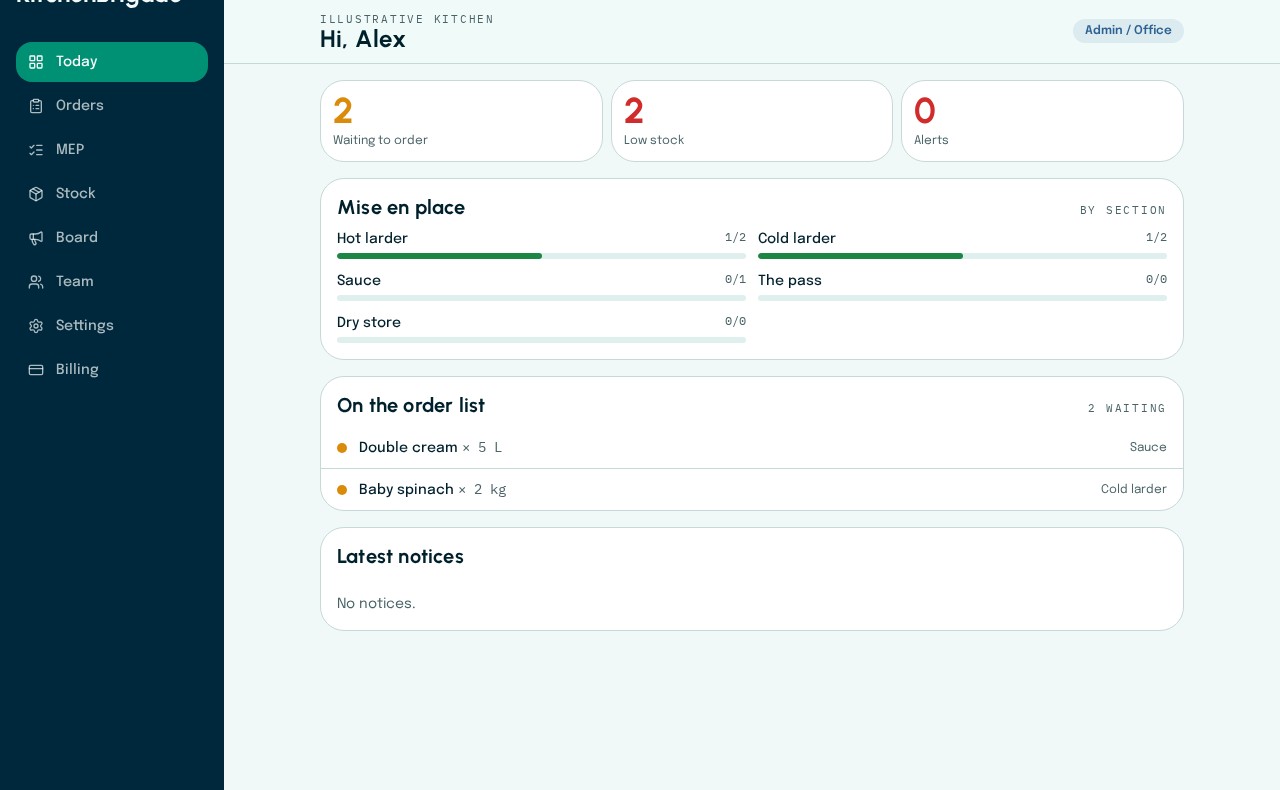
The head chef’s daily overview
Outstanding orders, low stock and section preparation progress appear together in the Today view.
Current app · fictional kitchen data
How the workflow moves
A cook sees only a few portions left in their section.
They add the item and the number remaining from their phone.
The head chef sees the count live and updates the floor team.
Connected capabilities