Record
Separate stock lists for each kitchen section or storage area.
Stock
Give each section a clear stock view for its walk-in, fridge or storage area, using simple levels that are quick to update.
Section requests, reviewed together
Named tasks and shared progress
A current picture of each section
One connected operational record
After service, cooks can check the stock held for their section and update each item as Full, High, Half, Low or Out. Managers see when the count was last updated and can move low items into ordering.
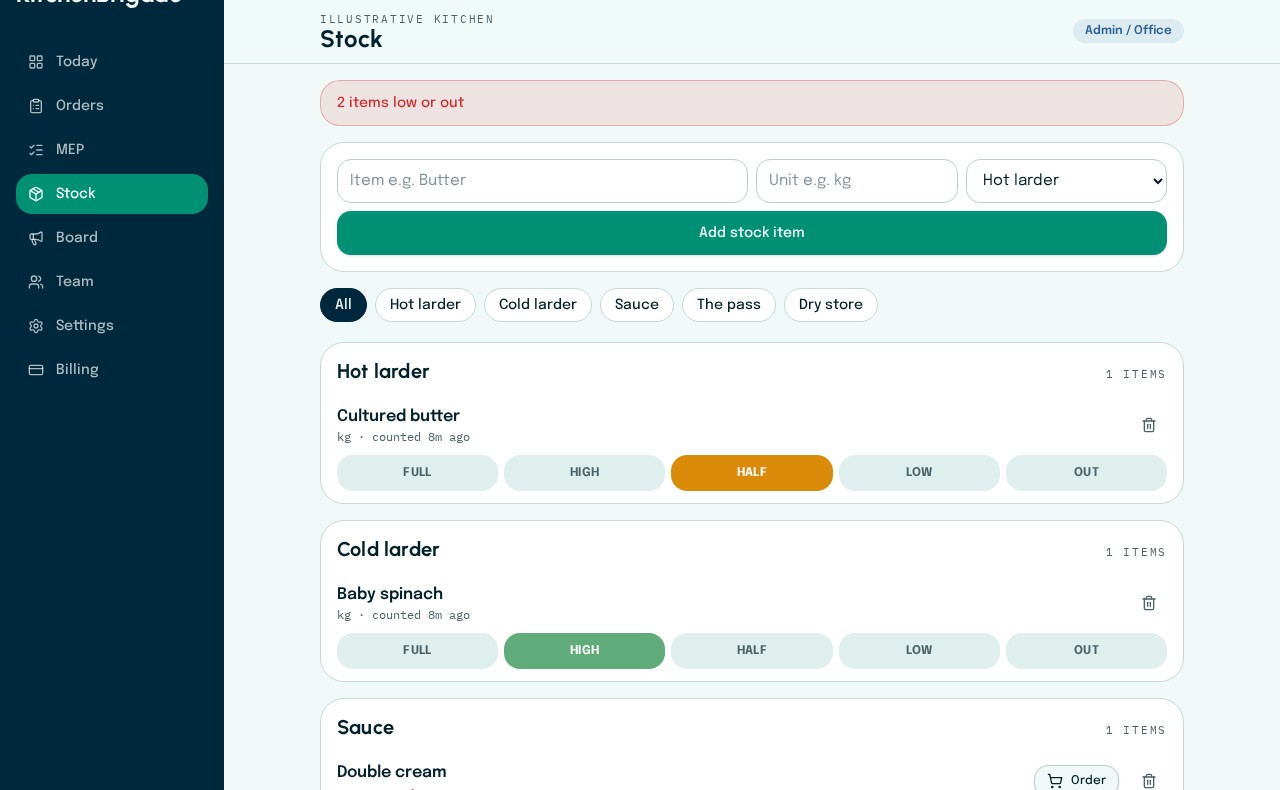
Section stock checks
Each section records Full, High, Half, Low or Out. Low items can move directly to the order list.
Current app · fictional kitchen data

How the workflow moves
Separate stock lists for each kitchen section or storage area.
Five colour-coded levels instead of slow typed quantities.
Low and out items are immediately identifiable.
Connected capabilities